
AI Engineering Bootcamp · Week 1
Week 1
Reliable Reasoning Components
Build your first production AI API
A working, reliable AI API that answers questions with validated structured output, packaged in a container and deployed. By the end of today.
FastAPI
OpenAI
Pydantic
Docker
Cursor

Aki Wijesundara, PhD
AI Engineering Bootcamp · TAI Labs
AI Engineering Bootcamp · Week 1 · TAI Labs1 / 16
Meet your instructor
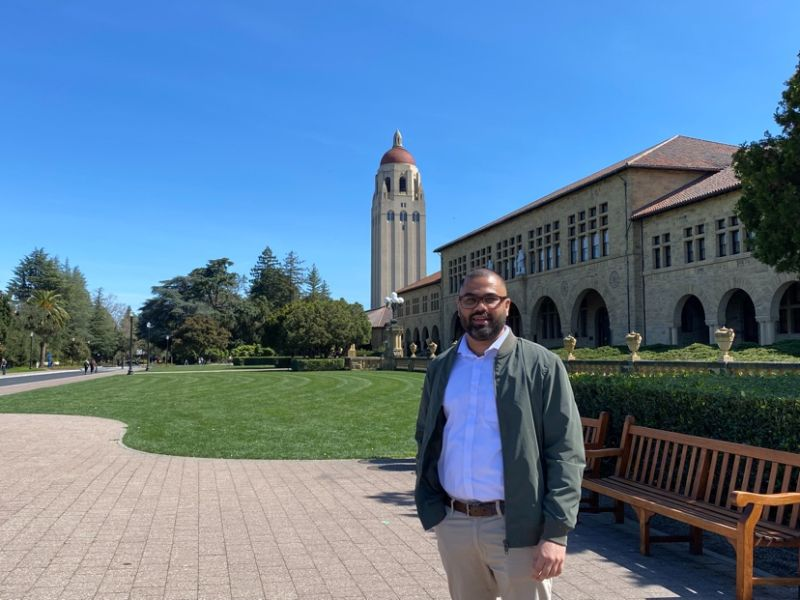
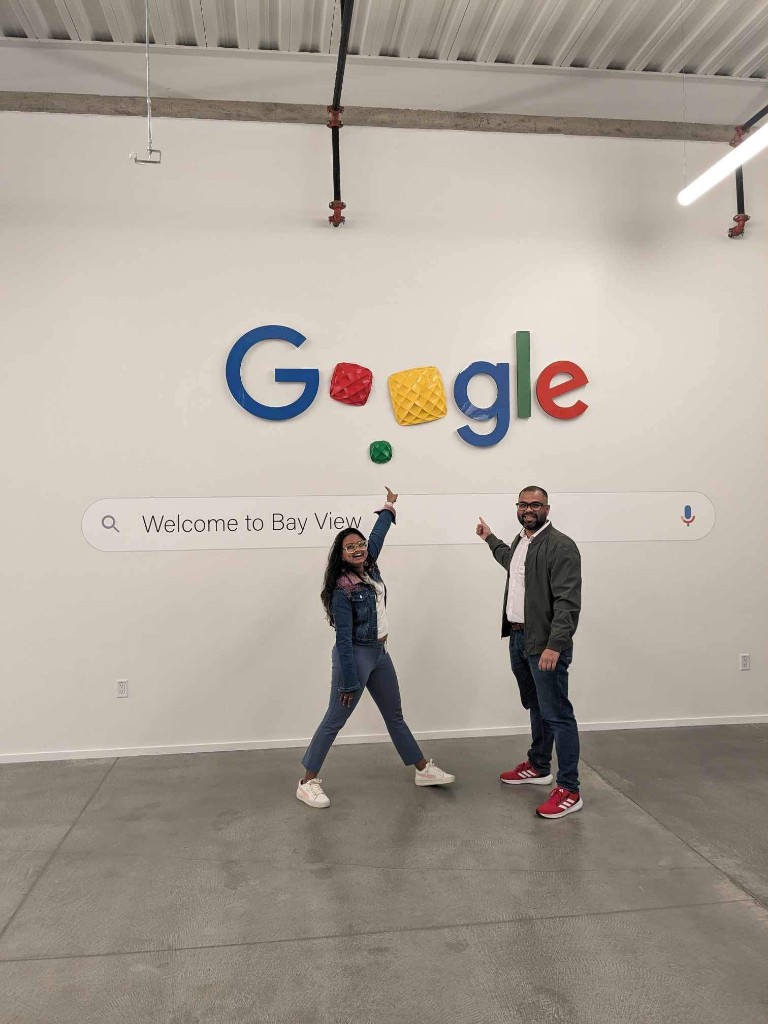
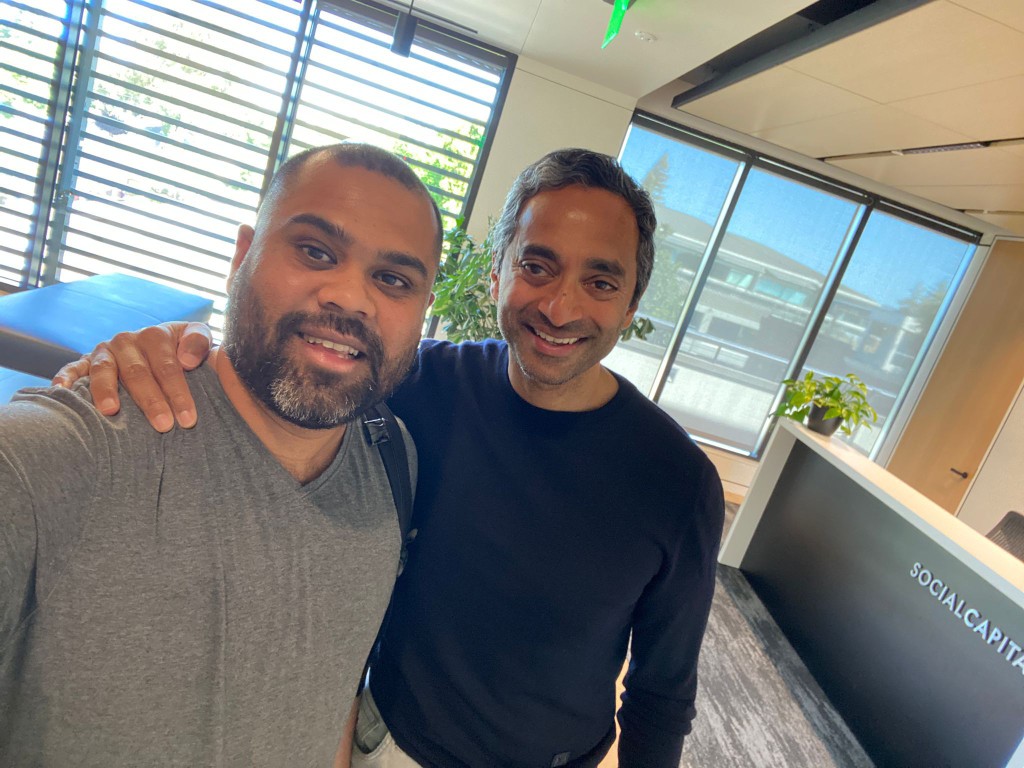
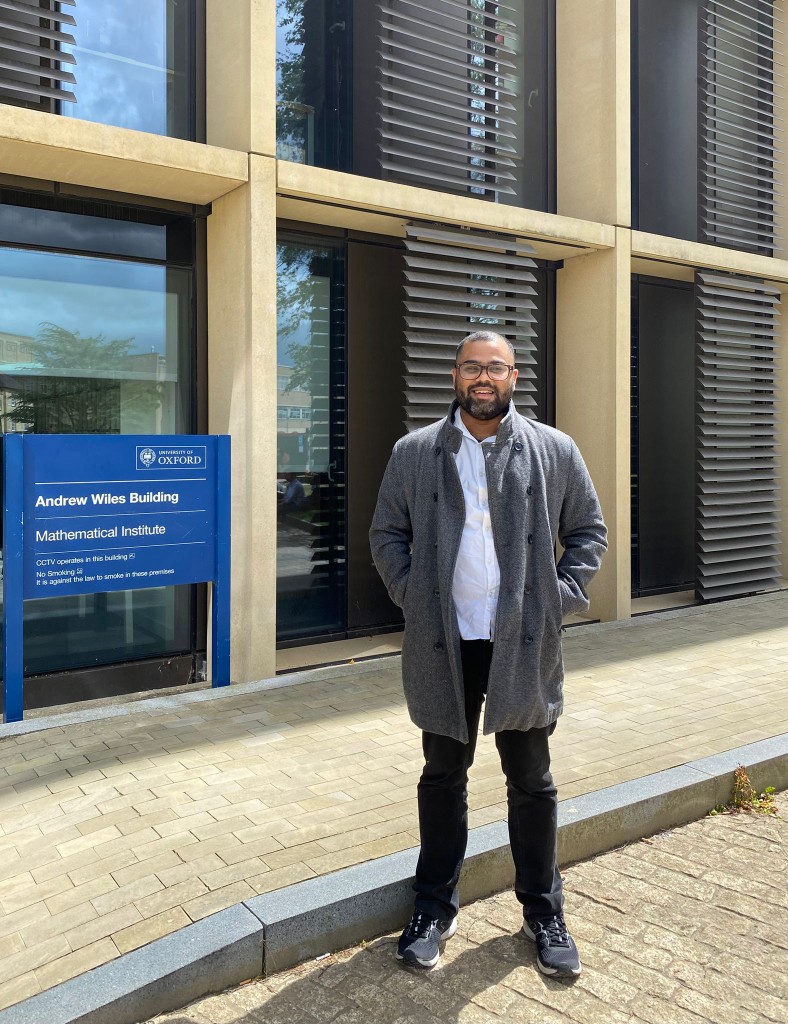
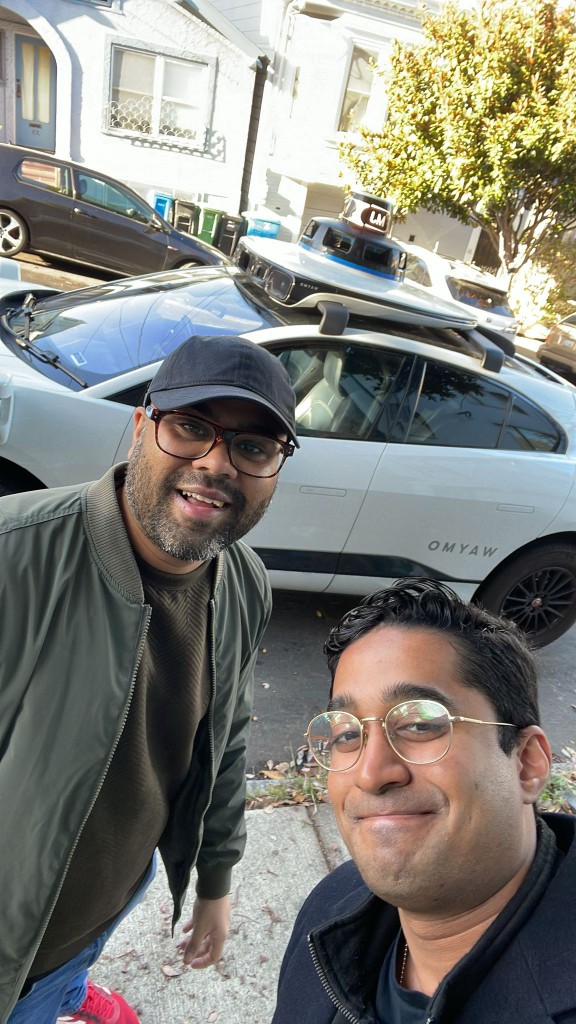
Dr Aki Wijesundara
Instructor, AI Engineering Bootcamp
- PhD and Postdoc in Machine Learning, King’s College London
- Part of Google’s AI Accelerator
- AI Founder (SnapDrum and TAI Labs)
- Senior AI Advisor to the United Nations
- Previous affiliations: MIT, Google
AI Engineering Bootcamp · Week 1 · TAI Labs2 / 16
Cohort WhatsApp
Join the Cohort WhatsApp

AI Engineering Cohort (12th August)
Cohort 13 · scan with your phone camera, or open the invite on this device
Join WhatsApp →
AI Engineering Bootcamp · Week 1 · TAI Labs3 / 16
Part 1 · Foundations
Tool Stack
Build & Serve
FastAPI
Python web framework. Async, fast, auto-generates API docs. The standard for AI backends.
Pydantic
Data validation. Define a schema, get a validated object. Enforces structured output from the model.
Cursor
AI-native IDE. We build the API with it — and use its agent to test the finished endpoints.
GitHub
Version control. Every week's work committed and pushed.
AI & Data
OpenAI API
Our LLM provider this week. GPT-5 family: gpt-5.5 for quality, gpt-5.4-mini for speed and cost.
Structured Outputs
Schema enforcement at the API level. Returns a validated Pydantic object, not a raw string.
Streaming
Tokens sent as generated. Core to responsive UX — first words in under a second.
Infra & Observability
Docker
Containerized deployment. Your app + its dependencies, runs the same everywhere. Standard unit for cloud deployment.
Render / Railway / Fly
Managed hosting. Push a container, get a URL. No infra to manage.
AI Engineering Bootcamp · Week 1 · TAI Labs4 / 16
Part 1 · Foundations
What is AI engineering?
AI engineering is building reliable software products on top of frontier models you did not train.
You ground them in your data, give them tools, measure whether they work, and ship something that holds up with real users.
Models are non-deterministic. The engineering is making undependable parts behave dependably.
Is not
Training models or prompt tinkering
You do not fine-tune GPT from scratch here. Clever prompts alone are not enough. You compose APIs, data, tools, and evals around models someone else trained.
Is
Reliability around models
Context, schemas, retries, retrieval, agents, TRACE evals, memory, cost, and latency. That stack is what makes a demo survive production.
Coding agents
Cursor & Claude Code write most of the code
The scarce skill is systems thinking, context engineering, and judgment: directing the agent, reading what it produced, and deciding what to keep.
This cohort
One capstone, six pillars
Each live session adds a layer to the same project, not five throwaway demos. By Demo Day: deployed, evaluated, agentic.
1 Foundations
2 RAG
3 Agents
4 Evals
5 Memory
6 Production
AI Engineering Bootcamp · Week 1 · TAI Labs5 / 16
Part 1 · Foundations
Three Layers of AI Engineering
Layer 01
Prompt Engineering
What you SAY to the model
Role, task, constraints, output format. The instruction set. Good prompts are precise, not clever. Define the job, the persona, and the failure modes.
Layer 02
Context Engineering
What the model can SEE
System prompt, examples, retrieved data, conversation history, tools, and what you deliberately leave out. Output quality is determined here more than anywhere else.
Layer 03
Harness Engineering
What SURROUNDS the model
The loop, validation, retries, timeouts, fallbacks, streaming. Turns an unreliable API call into a dependable production component. The model is the engine — the harness is the car.
AI Engineering Bootcamp · Week 1 · TAI Labs6 / 16
Part 1 · Context Engineering
Context Engineering
What Goes in the Window
01
System prompt & instructions
The model's standing brief. Role, constraints, output format, what to refuse.
02
Examples (few-shot)
Show the model what good output looks like. Fastest way to steer quality.
03
Retrieved documents
Week 2: RAG. Pulled in at query time based on relevance.
04
Conversation history & memory
What the model remembers. Too much gets noisy, too little loses track. Week 3.
05
Tool definitions & tool outputs
What the model can call and the results of those calls. Agent territory.
The Anthropic View
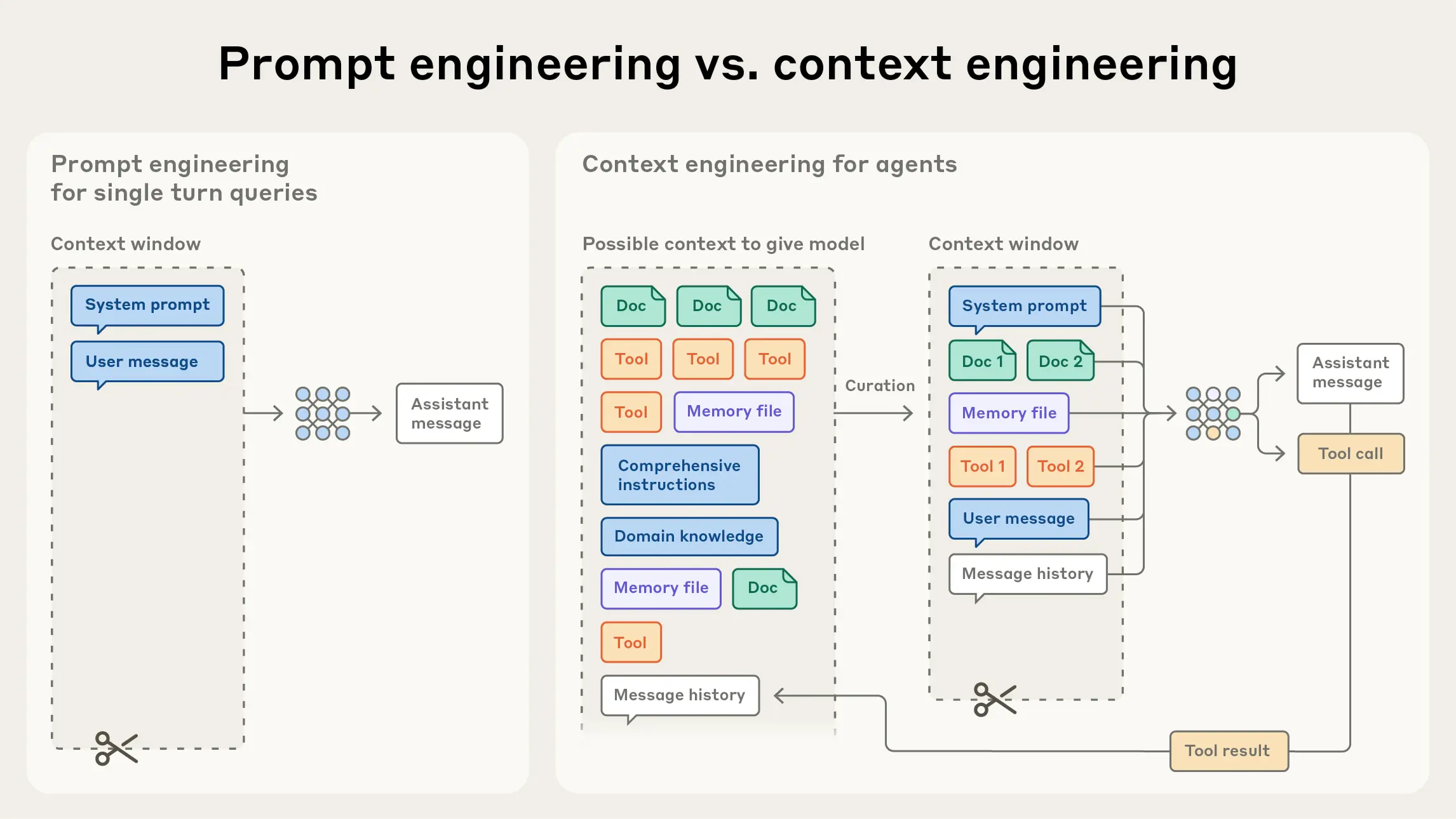
Today: your system message + question + optional context is the window you control. RAG (Week 2) and agent memory (Week 3) are context engineering at scale.
AI Engineering Bootcamp · Week 1 · TAI Labs7 / 16
Part 2 · Playground
OpenAI Playground
What We'll Explore Live
→
Specificity and role framing
Weak vs strong: role, length, audience, tone, concrete facts.
→
Few-shot prompting
Examples pin labels and format tighter than instructions alone.
→
Structured output (json_schema)
Flip Text format on. Schema enforced at the API, not by hoping.
→
Chain of thought + Reasoning effort
Auditable steps. Try medium → high on the weak version.
→
Checkable constraints
“Not too long” fails. “Exactly three bullets under 25 words” you can verify by eye.
Live demo sheet
Lab
Open the prompting lab
Weak and strong prompts, each with Copy. Run weak first, then strong. Same model, different brief.
The schema you sketch here is the Pydantic model you'll write in Part 3. Think of the Playground as a fast sketchpad for the API you're about to build.
AI Engineering Bootcamp · Week 1 · TAI Labs8 / 16
Part 3 · Build the API
Project Structure
File Tree
# research-assistant/
├── main.py # FastAPI app
├── requirements.txt # Dependencies
├── Dockerfile # Container build
├── .env # API keys (never commit)
└── README.md
# requirements.txt
fastapi
openai
pydantic
python-dotenv
uvicorn
Response Shape
// GET /ask response
{
"answer": "Prompt engineering is...",
"sources": ["source1", "source2"],
"confidence": 0.92,
"model": "gpt-5.4-mini",
"tokens_used": 150
}
Note:
.env is in .gitignore — never commit your API key. Load it with python-dotenv.AI Engineering Bootcamp · Week 1 · TAI Labs9 / 16
Part 3 · Build the API
Live Coding with Cursor
from fastapi import FastAPI
from openai import OpenAI
import os
app = FastAPI()
client = OpenAI(api_key=os.getenv("OPENAI_API_KEY"))
@app.post("/ask")
async def ask_question(
question: str,
context: str | None = None
):
messages = [
{
"role": "system",
"content": "You are a careful research assistant."
},
{"role": "user", "content": question}
]
# We'll complete this together with Cursor
pass
Cursor Prompts
1
"Create a FastAPI app with a POST endpoint called /ask"
2
"Add OpenAI integration using gpt-5.4-mini"
3
"Add error handling and response validation"
Let Cursor write the boilerplate. Your job is to understand every line it writes — not to type it yourself.
AI Engineering Bootcamp · Week 1 · TAI Labs10 / 16
Part 3 · Build the API
Streaming Responses
Stream from the Model
stream = client.chat.completions.create(
model="gpt-5.4-mini",
messages=[{"role": "user", "content": question}],
stream=True,
)
for chunk in stream:
delta = chunk.choices[0].delta.content
if delta:
print(delta, end="", flush=True)
Stream Through FastAPI
from fastapi.responses import StreamingResponse
@app.post("/ask/stream")
async def ask_stream(question: str):
def token_generator():
stream = client.chat.completions.create(
model="gpt-5.4-mini",
messages=[{"role": "user",
"content": question}],
stream=True,
)
for chunk in stream:
delta = chunk.choices[0].delta.content
if delta:
yield delta
return StreamingResponse(
token_generator(),
media_type="text/plain"
)
Rule: stream for chat-style answers. Return validated JSON for machine-readable endpoints. We do both.
AI Engineering Bootcamp · Week 1 · TAI Labs11 / 16
Part 4 · The Harness
Harness Engineering: Make It Reliable
A Raw Model Call Is Fragile
✗
It can return malformed or off-spec output
✗
It can time out or get rate-limited
✗
It can occasionally just fail
The Harness We Build Today
✓
Structured output
A guaranteed shape your code can trust — not a string to parse.
✓
Timeouts and retries
Slow or failed calls fail cleanly, not silently.
✓
Graceful degradation
The user always gets a sensible response, never a 500.
Mental model: the model is the engine. The harness is the car. You ship the car. This is why the week is called Reliable Reasoning Components.
# The harness checklist
# ✓ validated output shape
# ✓ timeout set
# ✓ retries on transient failures
# ✓ safe fallback on the bad path
# ✓ errors logged not swallowed
#
# Optional upgrade:
# fall back to a different model
# if the primary fails
AI Engineering Bootcamp · Week 1 · TAI Labs12 / 16
Part 4 · The Harness
Structured Outputs with Pydantic
Define the Shape
from pydantic import BaseModel
class Answer(BaseModel):
answer: str
sources: list[str]
confidence: float # 0.0 to 1.0
Ask the Model to Fill It
response = client.chat.completions.parse(
model="gpt-5.4-mini",
messages=[
{"role": "system",
"content": "You are a careful research assistant."},
{"role": "user", "content": question},
],
response_format=Answer,
)
result = response.choices[0].message.parsed
# result.answer, result.sources, result.confidence
# parsed and validated — every field guaranteed
Why This Matters
→
No fragile string parsing
The response is a Python object with typed fields. No regex, no JSON.loads, no KeyError.
→
Your endpoint can rely on every field
Downstream code doesn't need to check if fields exist. They always do.
→
Schema = contract with the model
The model is told the shape at the API level, not via prompt hope.
AI Engineering Bootcamp · Week 1 · TAI Labs13 / 16
Part 4 · The Harness
Retries, Timeouts & Graceful Degradation
Never return a 500 — return a safe Answer instead
@app.post("/ask")
async def ask_question(question: str):
try:
response = client.chat.completions.parse(
model="gpt-5.4-mini",
messages=[{
"role": "user",
"content": question,
}],
response_format=Answer,
)
return response.choices[0].message.parsed
except Exception:
# Log the real error. Still return HTTP 200 + valid Answer.
return Answer(
answer="Sorry, I couldn't answer that right now.",
sources=[],
confidence=0.0,
)
Configure the client
client = OpenAI(
api_key=os.getenv("OPENAI_API_KEY"),
timeout=20.0, # give up after 20s
max_retries=3, # retry with backoff
)
Harness checklist
Validated output shape (Pydantic)
Timeout set on the client
Retries on transient failures
Safe fallback on the bad path
Errors logged, not swallowed
Optional upgrade: fall back to a different model (e.g. gpt-5.5) if gpt-5.4-mini fails — secondary client + catch specific exceptions.
AI Engineering Bootcamp · Week 1 · TAI Labs14 / 16
Part 5 · Ship
Containerize with Docker
Dockerfile
FROM python:3.12-slim
WORKDIR /app
COPY requirements.txt .
RUN pip install --no-cache-dir -r requirements.txt
COPY . .
CMD ["fastapi", "run", "main.py",
"--host", "0.0.0.0", "--port", "8000"]
Build and Run Locally
# build the image
docker build -t research-assistant .
# run it with your env vars
docker run -p 8000:8000 \
--env-file .env \
research-assistant
Then Deploy
→
Push to GitHub
Render, Railway, and Fly all connect to your repo directly.
→
Connect your repo, set env vars
OPENAI_API_KEY goes in the host's env settings — never in the image.
→
Get a live URL
Share it. Test it with Cursor's agent. Curl it. It's real.
At scale (not today): orchestrators like Kubernetes, Cloud Run, or ECS run and scale many containers. For your first deploy, one container on a managed host is plenty.
AI Engineering Bootcamp · Week 1 · TAI Labs15 / 16
Homework · Before Week 2
Homework Before Week 2
01
Containerize and run locally
Write the Dockerfile, build the image, run it with
--env-file .env, confirm it works.02
Deploy to Render, Railway, or Fly.io
A live URL you can share. Set your env vars in the host's dashboard.
03
Add 2 more endpoints with structured output
/summarize — summarize long text. /analyze-sentiment — sentiment analysis. Both return validated Pydantic objects.04
Add a streaming version of /ask
/ask/stream using StreamingResponse. Confirm tokens arrive in real time.05
Every endpoint: timeout, retry, graceful fallback
No endpoint returns a 500. Errors logged, not swallowed.
Before Week 2
→
Read up on RAG
Retrieval Augmented Generation. How to give the model access to external documents at query time.
Week 2 adds a vector database and retrieval layer on top of exactly what you build this week. The API you ship is the foundation.
AI Engineering Bootcamp · Week 1 · TAI Labs16 / 16